High-precision multi-touch trackpad, mechanical keyboard, 3D gyro air mouse, and presentation clicker for Windows 10 & 11. Connect instantly using your phone camera and QR code.
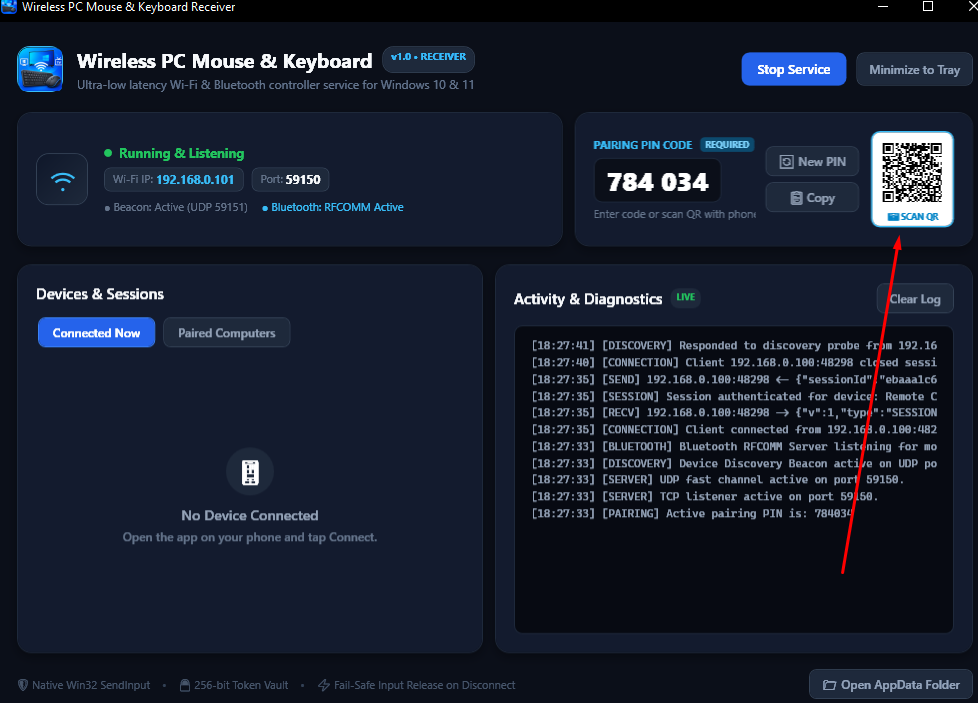

Download the free Windows Receiver for your PC and companion app from Google Play or direct APK.
Standard 1-click wizard setup. Automatically configures Windows Firewall, adds Start Menu shortcuts, and creates desktop launcher.
Zero installation required! Unzip and run directly from anywhere — ideal for USB flash drives, work PCs, or secondary laptops.
Full controller suite: trackpad with vertical scroll wheel, mechanical keyboard, 3D gyro air mouse, and portrait QR scanner.
Engineered with high-speed native Win32 input injection and military-grade pairing encryption.
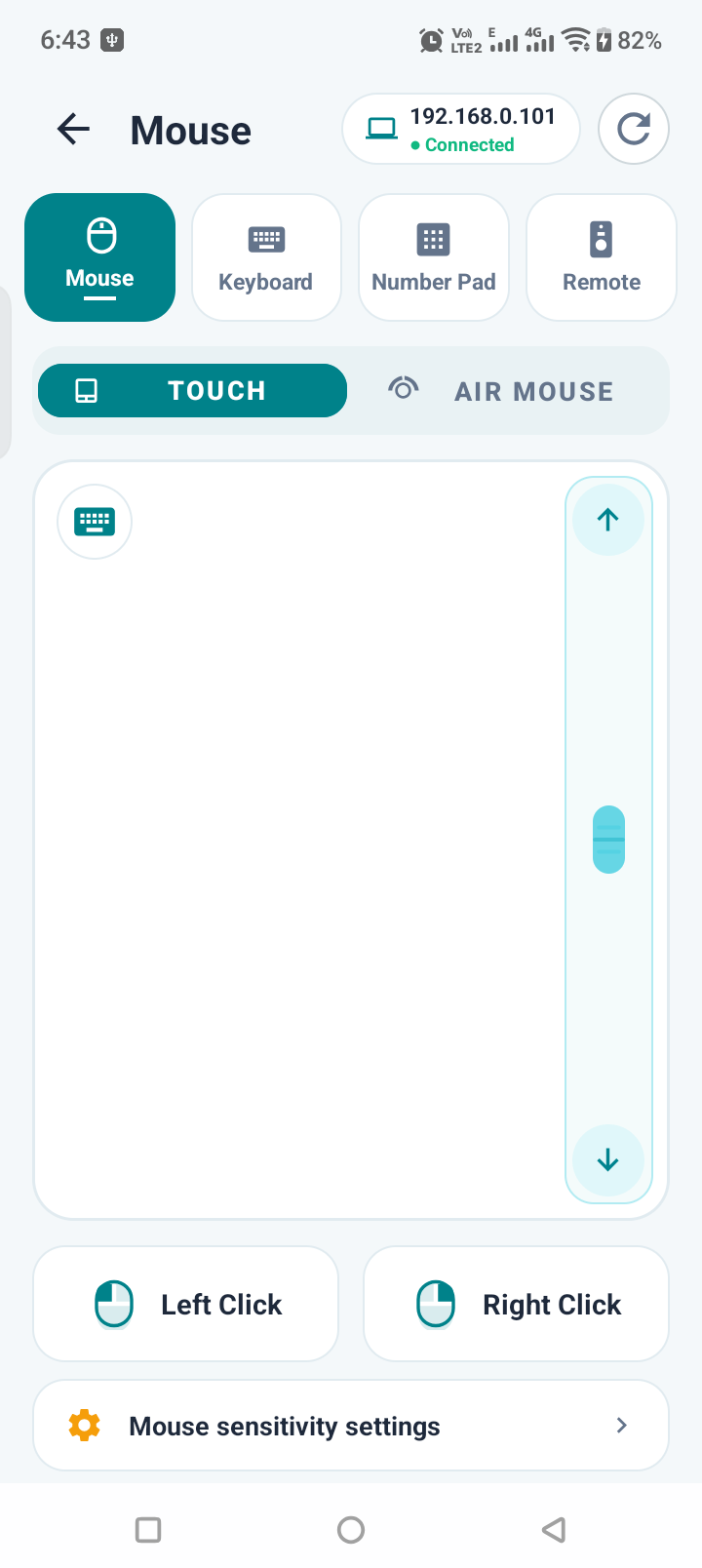
Ultra-responsive cursor movement with dedicated vertical scroll wheel, tap-to-click, and two-finger right click gestures.
Control your computer cursor through the air with real-time 6-axis gyro tracking, click lock, and 1-tap Recenter calibration.
Complete desktop keyboard layout including Windows Key, Ctrl, Alt, Esc, F1–F12, and voice typing with microphone input.
Command your PowerPoint, Keynote, or Google Slides. Jump between slides, start fullscreen, or blank the screen instantly.
Control Spotify, YouTube, VLC, and Netflix. Adjust system volume, mute, skip tracks, and toggle play/pause from your couch.
Point your phone camera at the QR code on your PC monitor to connect in 1 second without typing any IP address or port.
Explore each specialized tool included in the app.
Silky smooth cursor movement powered by fast UDP streaming. Features tap-to-click, two-finger right click, and a dedicated tactile vertical scrolling bar.
No accounts, no cloud servers, and no registration required. 100% private local network connection.
Run WirelessReceiver.exe on your Windows PC. It instantly begins listening on Wi-Fi and Bluetooth and displays a dynamic QR code.
Open the Android app, go to the Connect screen, and tap Scan QR. Point your camera at the PC screen within the frame.
You're connected! Enjoy ultra-low latency mouse navigation, typing, presentation control, and media shortcuts right away.
WirelessReceiverSetup.exe, the installer configures this automatically for you.